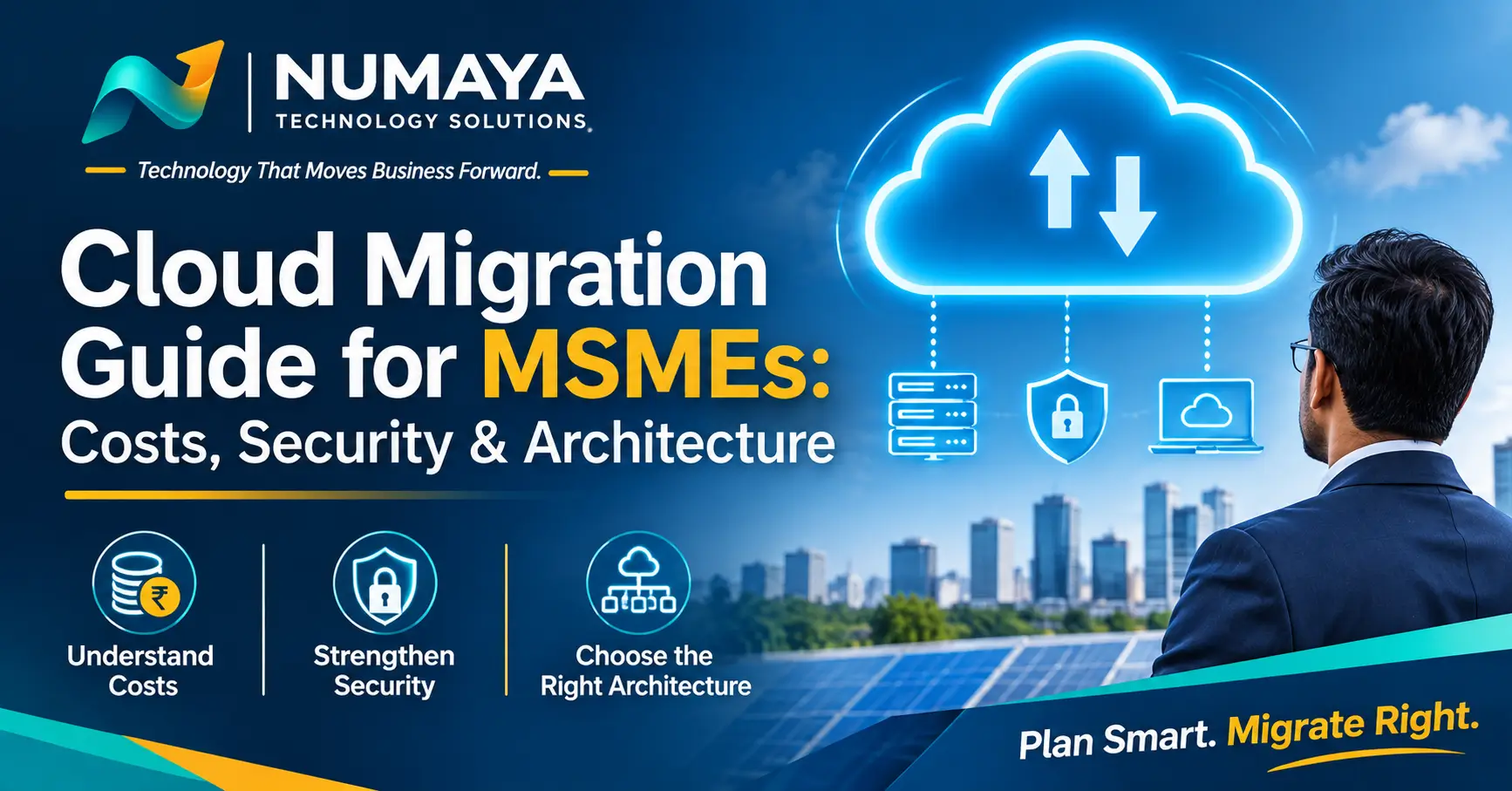
Moving to the cloud can reduce downtime, protect your data and free your team from server upkeep. Done in a rush, it can also inflate your monthly bills and open new security gaps. This cloud migration guide walks Indian MSME owners through the three things that decide the outcome: costs, security and architecture.
You do not need to be technical to follow it. By the end, you will know what to count, what to protect and what to do first.
In this guide
Key takeaways
- Cloud is not automatically cheaper. Its real wins are resilience, flexibility and avoiding hardware refresh cycles.
- Start with what you already run, not with a cloud provider.
- Identity, backups and access control matter more than which cloud you choose.
- Go SaaS-first. Move to hosted software where you can, and lift-and-shift only what is left.
What cloud migration means for an MSME
Cloud migration means moving email, files, accounting or ERP, and business applications from an office server or desktops to hosted services. For a small business, that usually follows one of four routes:
- Rehost (lift-and-shift): move a server as-is to a cloud virtual machine. It is the fastest route, with the least savings.
- Replatform: move to managed services, such as a managed database or hosted file storage, with little code change.
- Replace with SaaS: retire the old app and adopt a hosted equivalent. For small teams, this often gives the best return.
- Retain or retire: some systems should stay on-site, and some should simply be switched off.
Is your business ready for cloud migration?
Before you compare providers, check that these basics are in place:
- A list of every system, user and data location
- Enough internet bandwidth, plus a backup connection
- Software licences that permit cloud hosting
- One person accountable for the move
- An agreed downtime window your team can live with
Cloud migration costs and a 3-year TCO
Total cost of ownership (TCO) means counting everything, not just the monthly cloud bill. Compare both sides using the same checklist:
- Hardware, licences and software subscriptions
- Power, cooling and office space
- IT support and administration time
- Backup, disaster recovery and security tools
- One-time migration effort and staff training
- Downtime risk and hardware refresh every 4 to 5 years
Illustrative example: a 20-user firm with one ERP and file server
These figures are assumptions for illustration only. Replace them with real quotes for your business.
| 3-year cost | On-premises | Cloud |
|---|---|---|
| One-time (hardware, licences, migration) | ₹6.5 lakh | ₹1.5 lakh |
| Annual running cost | ₹3.8 lakh | ₹6.0 lakh |
| 3-year total | ≈ ₹17.9 lakh | ≈ ₹19.5 lakh |
On infrastructure cost alone, the two options are often close. The gap opens in year 4, when on-premises hardware needs replacing (roughly ₹5 to 6.5 lakh again). It also opens in downtime, recovery speed and how easily you can scale up or down. Right-sizing and reserved or committed pricing can narrow the cloud cost further.
Cloud security and compliance for Indian MSMEs
Cloud security works on a shared responsibility model. The provider secures the platform. You secure your accounts, data and configuration. Most small-business breaches start with weak or shared logins, not with the cloud platform itself.
Security must-haves
- Multi-factor authentication (MFA) on every account, especially admins
- Least-privilege access: people get only the access their role needs
- Encryption for data in storage and in transit
- The 3-2-1 backup rule: three copies, two media types, one off-site, with one copy that cannot be altered
- Regular patching and logging, so you can see what happened if something goes wrong
Data residency and regulation
Choose an Indian cloud region when your customers or contracts expect data to stay in India. Also review how the Digital Personal Data Protection (DPDP) Act and CERT-In incident-reporting directions apply to you. Requirements change, so confirm current obligations with your legal advisor.
Need support here? See our Cybersecurity & Data Continuity and Cloud & Workplace services.
A simple cloud architecture for MSMEs
You do not need a complex design. This seven-layer reference architecture suits most small businesses:
| Layer | What to set up | Why it matters |
|---|---|---|
| Identity | One login for everyone, with MFA | Stops most account takeovers |
| Workplace | Email, documents and collaboration as SaaS | Least upkeep, fastest value |
| Compute | VMs or managed services only for apps that cannot be SaaS | Keeps cost and complexity low |
| Data | Encrypted storage, separate from compute | Protects data if a server fails |
| Network | VPN or secure access, a firewall, no open admin ports | Reduces exposure to attacks |
| Backup & recovery | A copy outside the main account, with a tested restore | Lets you recover from ransomware or mistakes |
| Monitoring | Alerts for sign-ins, cost and downtime | Catches problems early |
A 7-step cloud migration plan
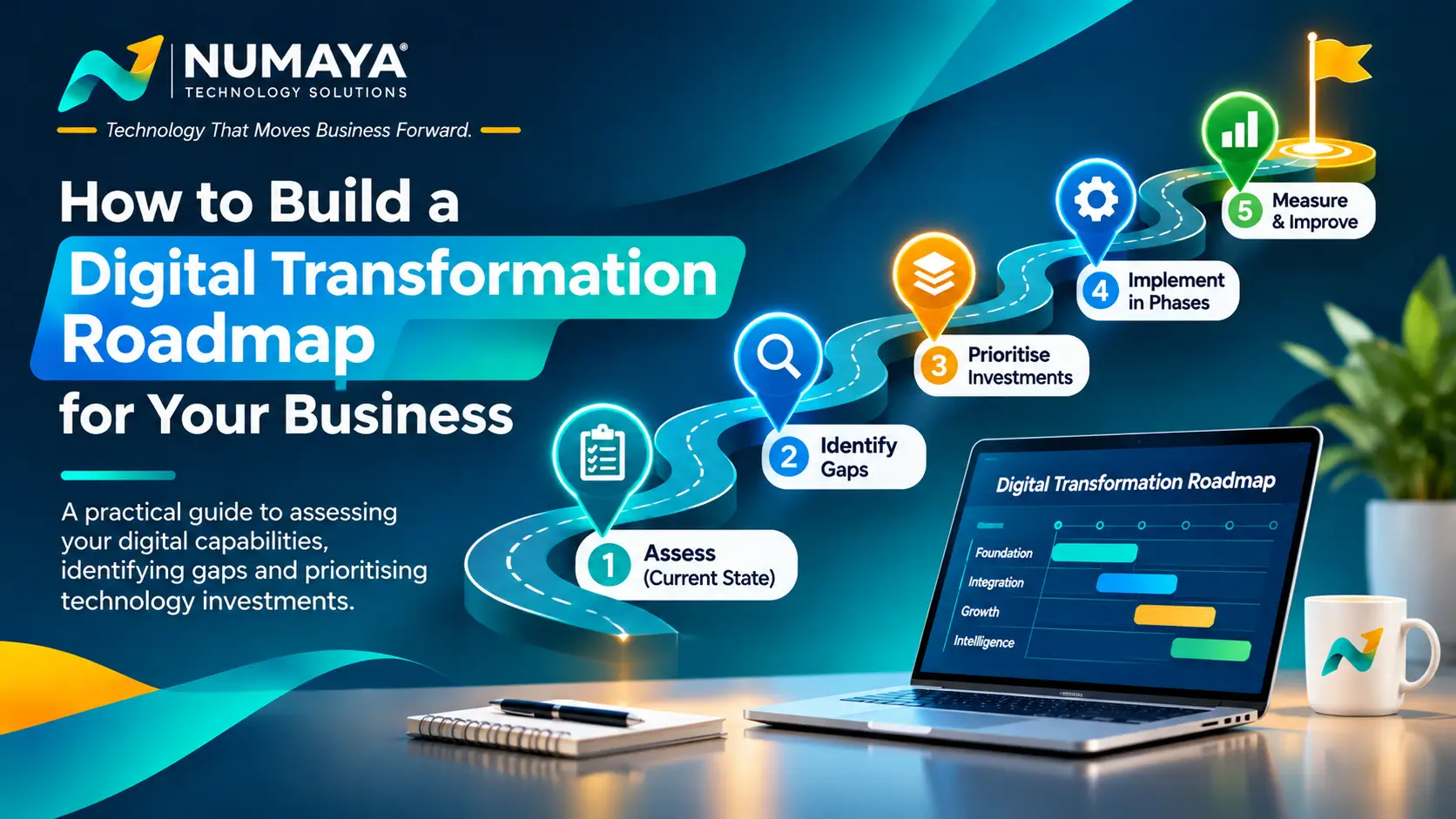
- Inventory your systems, users and data.
- Prioritise by risk and business value.
- Design the target architecture.
- Pilot with one low-risk workload.
- Migrate in phases, with a rollback plan for each.
- Cut over and train your users.
- Optimise cost and security after 30 to 60 days.
Timelines typically run from a few weeks for SaaS-first moves to a few months for ERP or custom applications.
Common cloud migration mistakes to avoid
- Migrating everything at once instead of in phases
- Skipping backups or never testing a restore
- Ignoring software licence terms
- Leaving admin accounts without MFA
- Never reviewing the monthly cloud bill
Cloud migration FAQs
How much does cloud migration cost for an MSME?
It depends on your users, data and applications. Add one-time migration effort to monthly running costs, and compare against your current on-premises spend, as in the TCO example above.
Is the cloud safe for small businesses?
Yes, when identity, backups and access controls are set up properly. Most incidents come from weak accounts and misconfiguration, not from the platform itself.
How long does cloud migration take?
A few weeks for SaaS-first moves, and a few months for ERP or custom systems.
Do I have to move everything to the cloud?
No. A hybrid setup, with some systems staying on-site, is common and perfectly sensible.
Where should I start?
Start with an inventory of your systems and a readiness check. That tells you what to move first and what to leave alone.
Not sure where your business stands?
The Numaya Digital Health Assessment (NDHA) is an expert-reviewed look at your cloud and IT setup, security and readiness, with a prioritised roadmap. There is no obligation to buy anything else from Numaya.
NDHA is a business-focused technology assessment and advisory service. It is not a statutory audit, penetration test, forensic investigation or compliance certification. Cost figures in this article are illustrative assumptions, not quotes.